Security used to be simple. Lock the doors. Maybe add an alarm. That was enough back then.
Now? Not quite.
Whether it’s a home, a retail store, or a warehouse, visibility matters.
Knowing what’s happening;at all changes everything. That’s exactly why security camera installation has become less of a luxury and more of a necessity.
But here’s the thing. Installing cameras isn’t just about mounting a device on a wall. It’s about strategy. Placement. Coverage. And doing it right the first time.
Let’s walk through it.
Why Security Camera Installation Matters
A well-installed system doesn’t just record footage;it prevents incidents.
For homeowners, it means:
- Monitoring entry points
- Keeping an eye on deliveries
- Adding peace of mind at night
For businesses, it goes deeper:
- Preventing theft or internal shrinkage
- Monitoring employee and customer activity
- Protecting assets and inventory
A proper surveillance camera installation creates accountability. People act differently when they know they’re being watched. Simple psychology;but highly effective.
Step 1: Identify Your Security Goals
Before buying anything, pause. Think.
What exactly are you trying to protect?
- A front door?
- A large parking lot?
- Multiple floors in a commercial building?
Different goals require different setups. A small home might need 2–4 cameras. A business? Possibly 10 or more.
Clarity here saves money and prevents overcomplicating things later.
Step 2: Choose the Right Camera Type
Not all cameras are built the same. And picking the wrong type? That’s a common mistake.
Here are the basics:
- Dome Cameras – Discreet, ideal for indoor use
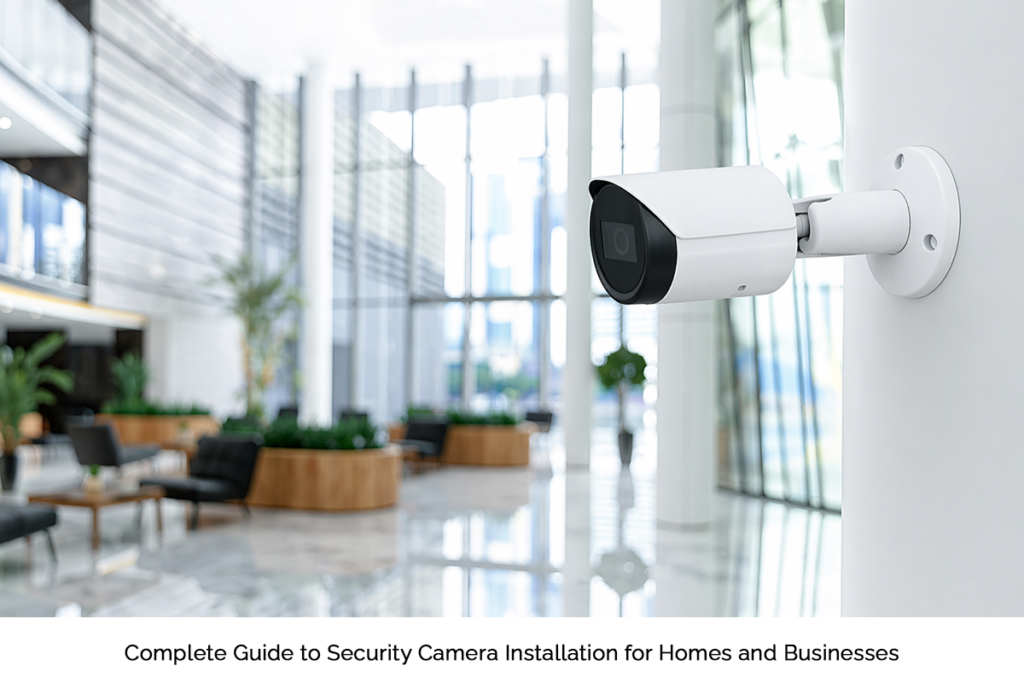
- Bullet Cameras – Visible deterrent, great for outdoors
- PTZ Cameras – Pan, tilt, zoom; perfect for large areas
- Wireless Cameras – Easier to install, flexible placement
Your choice should depend on the environment, coverage needs, and lighting conditions.
Step 3: Plan Camera Placement Carefully
This is where most installations go wrong. Random placement. Poor angles. Blind spots everywhere.
Instead, focus on key areas:
- Entry and exit points
- Driveways and parking areas
- Hallways and common zones
- High-value storage areas
Avoid pointing cameras directly at bright lights or the sun; it ruins image quality. Also, height matters. Too high, and you lose detail. Too low, and it’s easy to tamper with.
Placement isn’t guesswork. It’s intentional.
Step 4: Decide Between Wired and Wireless
This decision shapes your entire setup.
Wired systems:
- More stable connection
- Better for large properties
- Requires professional installation
Wireless systems:
- Easier setup
- Flexible positioning
- May depend on Wi-Fi strength
For businesses, wired is often preferred. For homes, wireless systems are usually enough.
There’s no one-size-fits-all; it depends on your setup.
Step 5: Storage and Monitoring Options
Once cameras are installed, where does the footage go?
You’ve got two main options:
- Local Storage (DVR/NVR): Stored on-site, no monthly fees
- Cloud Storage: Accessible anywhere, but comes with subscription costs
Businesses often go hybrid; local + cloud, for redundancy.
Also, don’t overlook remote access. Being able to check your cameras from your phone? That’s not a bonus anymore; it’s expected.
Step 6: Professional vs DIY Installation
Here’s the honest take.
DIY works for small setups. A couple of cameras. Basic coverage.
But for larger properties or commercial needs, professional security camera installation is usually the better route. Why?
- Proper wiring and configuration
- Optimized camera angles
- Integration with existing systems
A poorly installed system is almost as bad as having none at all.
So yes, you can do it yourself. But should you? Depends on complexity.
Step 7: Test and Optimize
Installation isn’t the final step. Testing is.
Once everything is set up:
- Check each camera’s field of view
- Test night vision
- Walk through motion detection zones
- Review footage quality
You’ll notice gaps. Everyone does.
Adjust. Fine-tune. Repeat.
A strong surveillance camera installation is never “set and forget”;it evolves with your needs.
Common Mistakes to Avoid
A few things people often get wrong:
- Installing too few cameras
- Ignoring lighting conditions
- Overlooking storage limits
- Using weak passwords (huge risk)
- Skipping routine maintenance
Avoid these, and your system performs better; simple as that.
Final Thoughts
Security isn’t just about equipment; it’s about execution.
A well-planned security camera installation gives you more than footage. It gives you control. Awareness. Confidence.
And whether it’s a home or a business, a properly executed surveillance camera installation ensures you’re not just reacting to problems; you’re preventing them.
That’s the real value.
So take your time. Plan it right. Install it smart.
Because when it comes to security, details matter;more than most people realize.